Addon Information
Works with 3.2
Download Latest Version.
To add favorites please register for a free account. If you already have one you need to login. How do I install this? (FAQ)
Author:
Version:
v.14
Date:
09-11-2009 07:41 AM
Size:
8.47 MB
Downloads:
88,320
Favorites:
343
MD5:
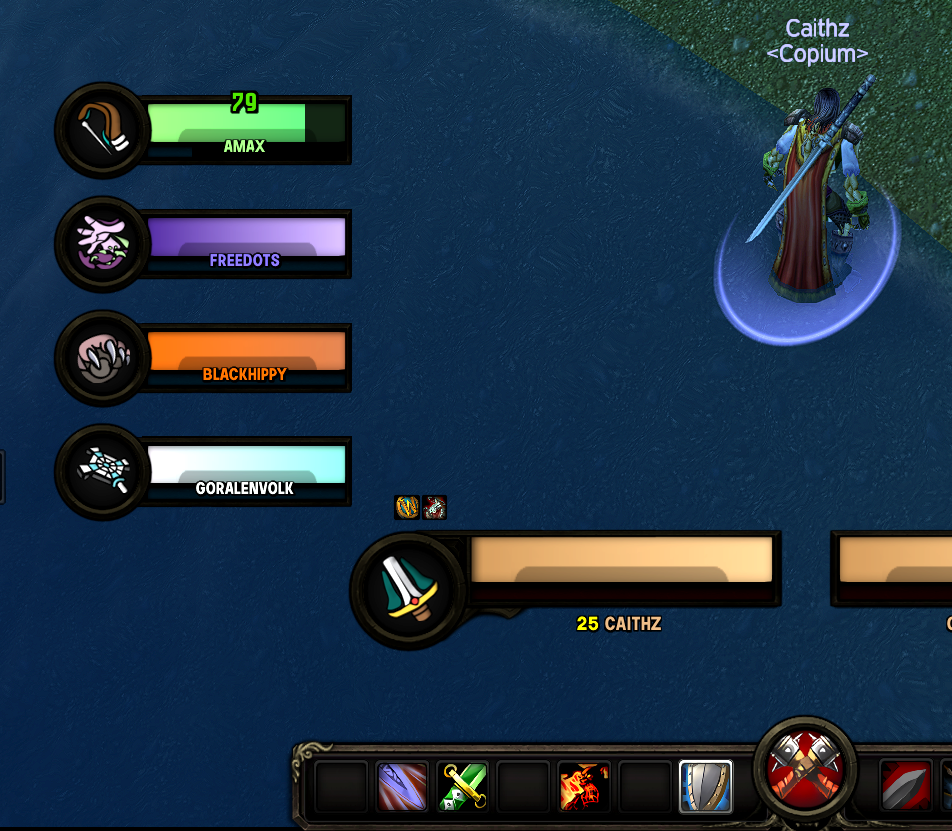
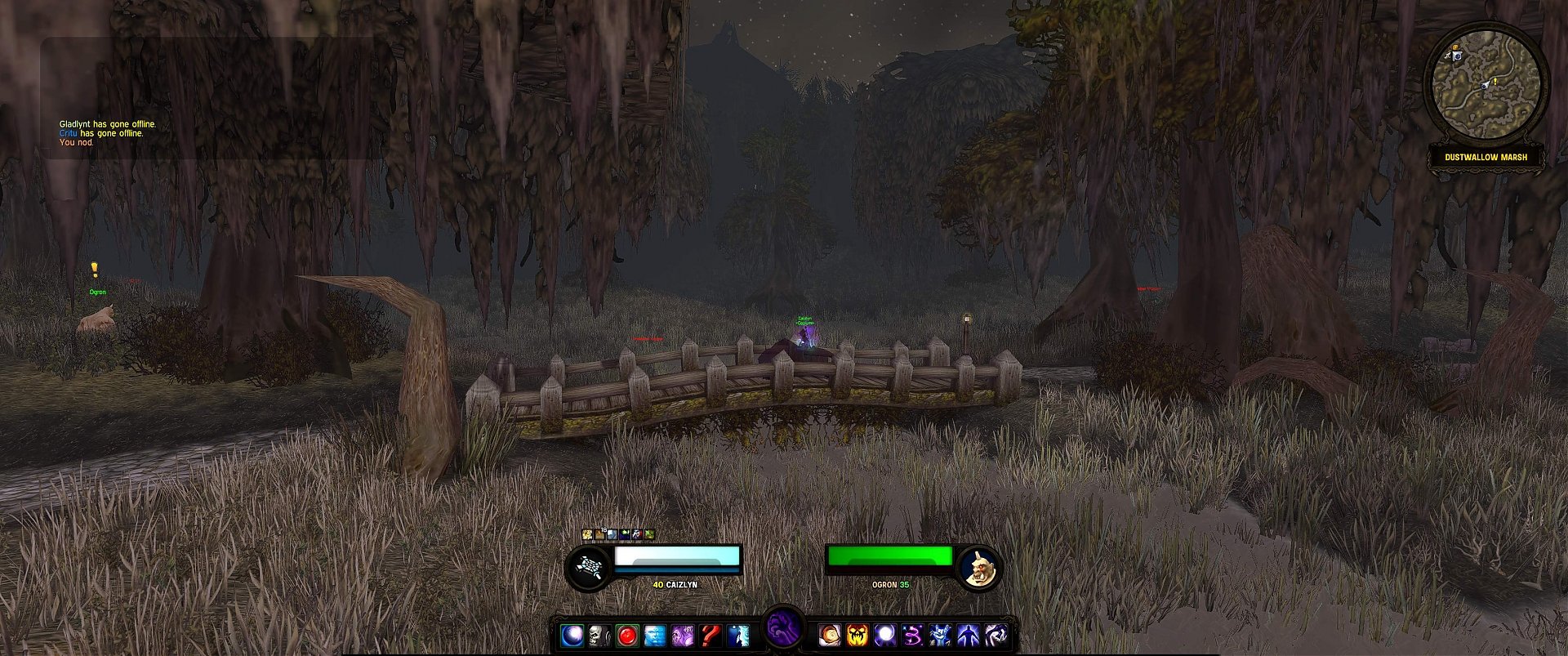
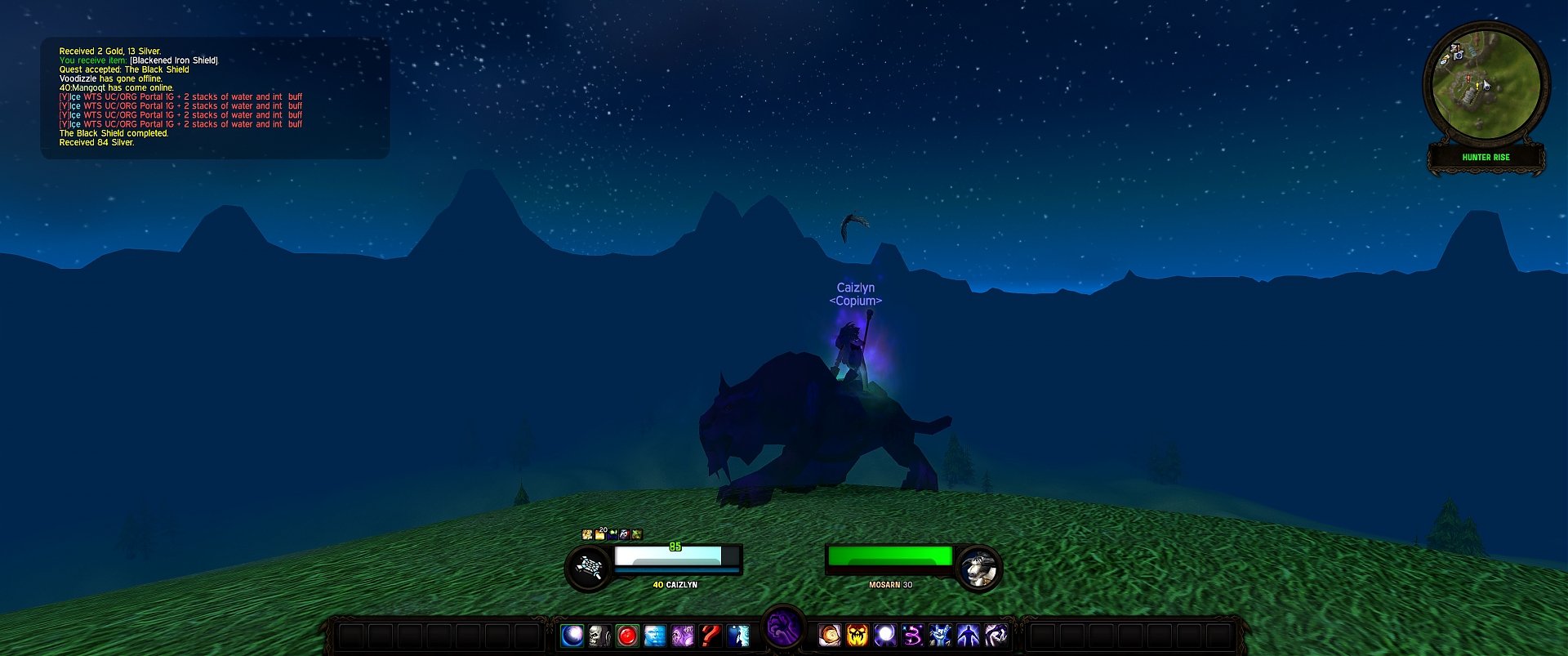
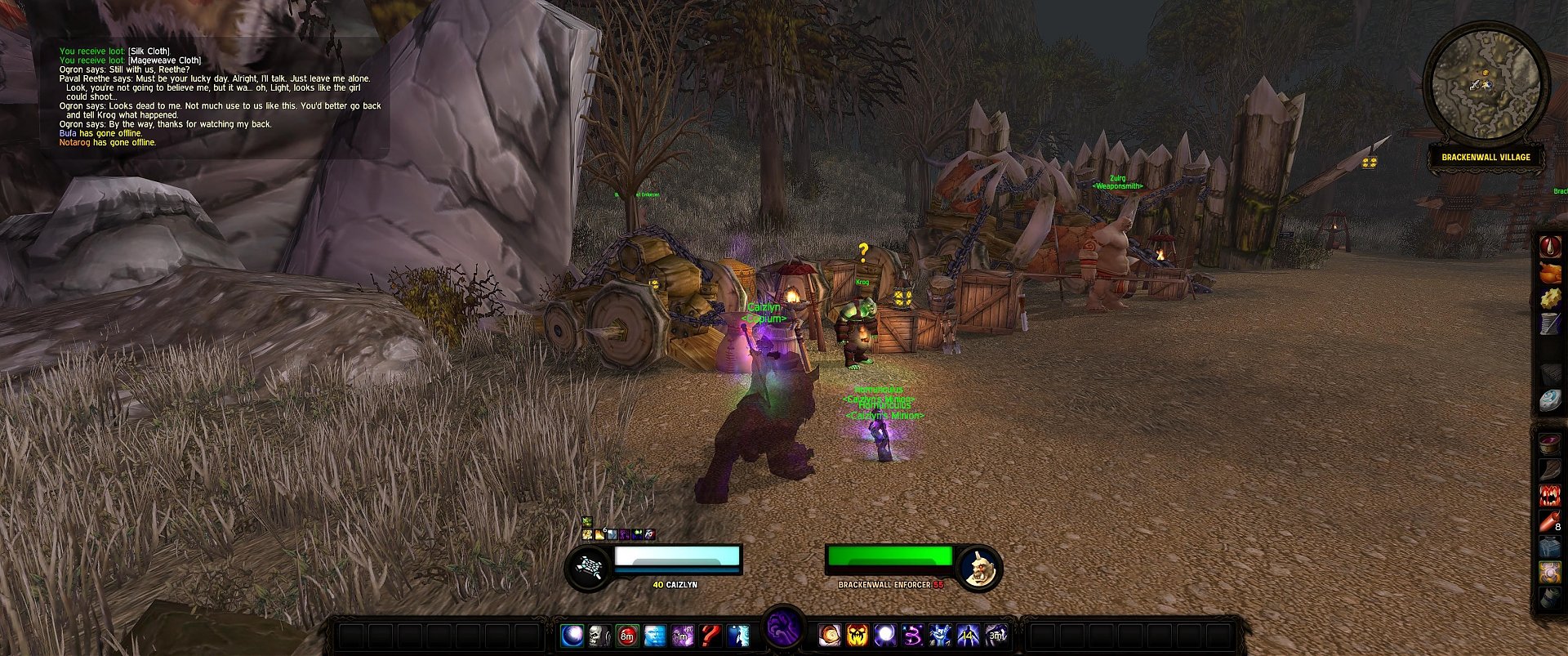
Pictures
Click to enlarge
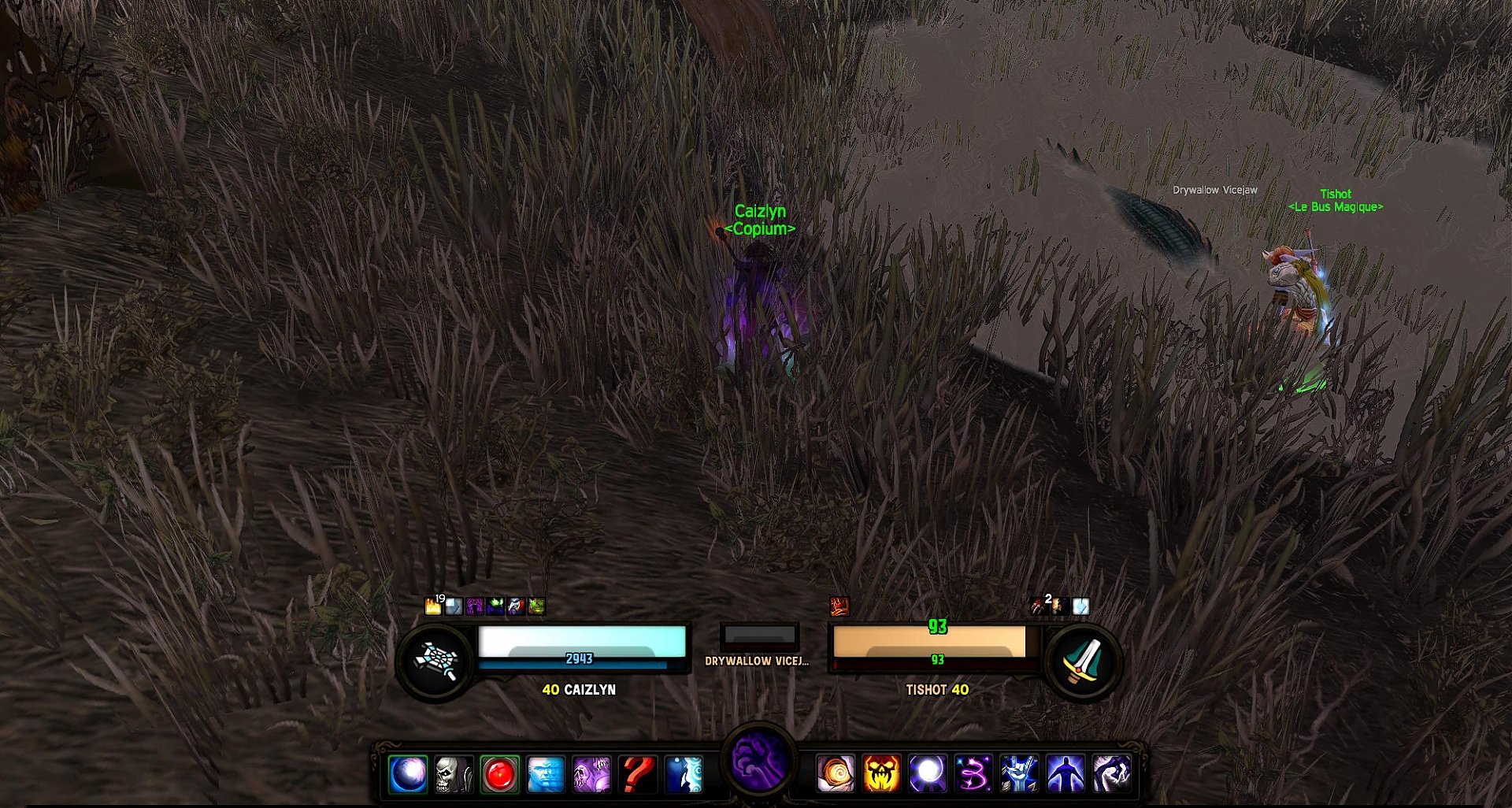
clean
Click to enlarge
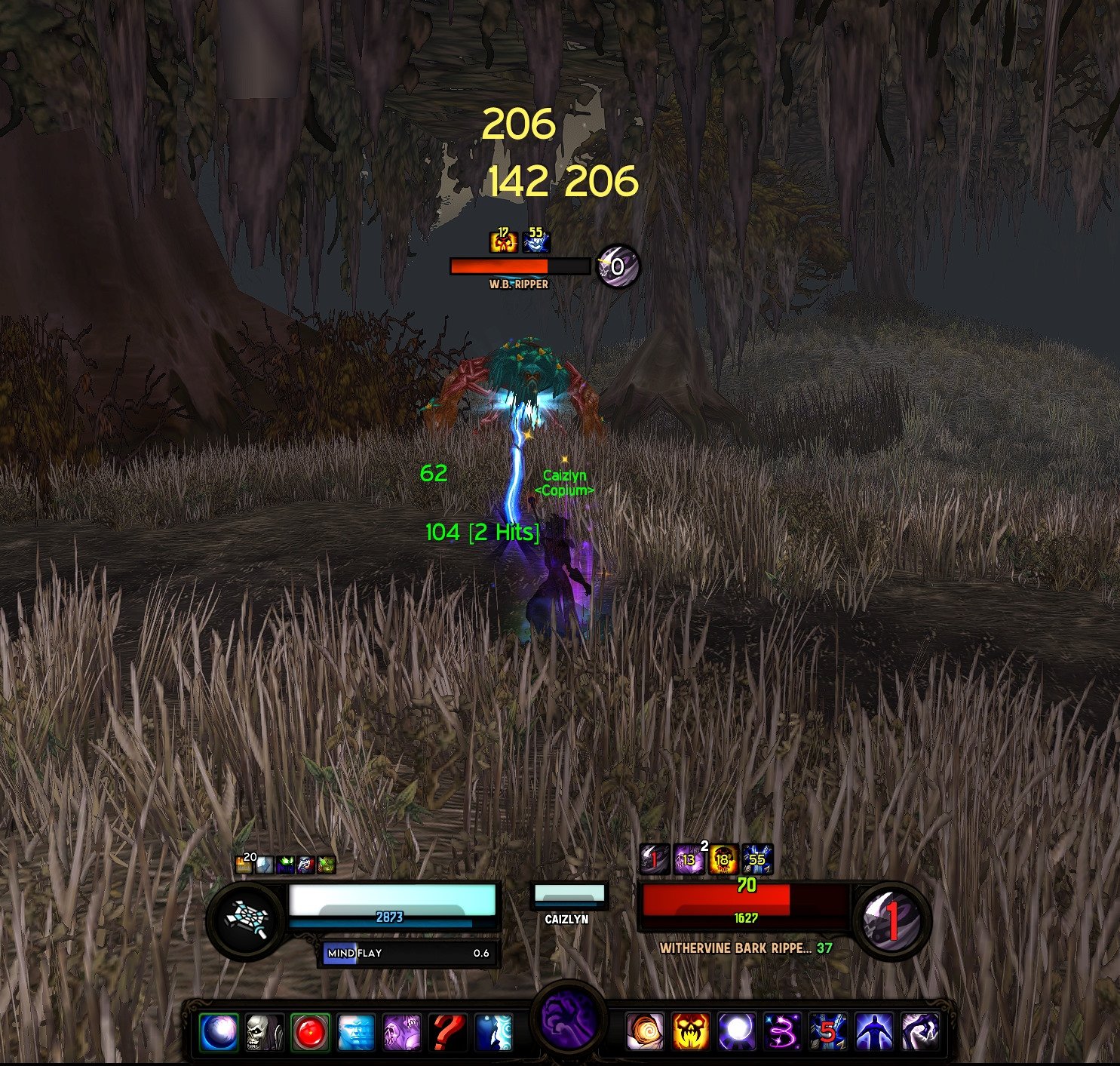
combat 1
Click to enlarge
combat 2
Click to enlarge
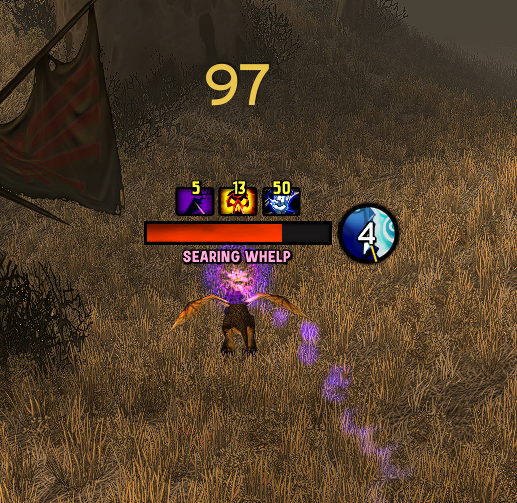
raid + focus + lose control
Click to enlarge
raid combat
Caith UI   Popular! (More than 5000 hits)


Welcome to my custom user interface, called Caith UI.

I use a 24" monitor with a 1920x1200 resolution.

My UI is optimized for this resolution!


1920x1200
very good

1680x1050
good

1600x1200
good

1440x900
acceptable

1280x1024
bad

1024x768
lol


I suggest you to buy a 16:10 monitor,
instead of using my halfassed nonwidescreen version.
However, it can be found here
.


AddOn list

!TakeThisColor - Afflicted - Bartender4+OmniCC
BugSack+BugGrabber ButtonFacade
Chatter - Combuctor - ErrorMonster
feart - GhostPulse - gdFont - Gladius
Instant Health - LoseControl
kgPanels - Mapster - Parrot- PitBull4
PowerAuras - PreformAVEnabler - Quartz
rBuff - SharedMedia - simpleMinimap
SpellAlerter - TipTac


Thanks and enjoy Caith UI !
  Change Log - Caith UI
--------------------------------------------------------

v.14

- new layout
- new parrot style
- new afflicted style
- replaced classtime dot view with powa
- new addon losecontrol
- new addon ghostpulse
- new chat and bar style

--------------------------------------------------------

v.13.1

- included an uptodate PitBull4 beta-version
- new general wow-font
- new parrot-number-font
- new wow-dmg-font
- new classtimer-font
- fixed tiptac tooltips
- exportet powa settings
- moved installation guidelines in the addon package

--------------------------------------------------------

v.13

- Updated PitBull raidframe
- redesigned Parrot
- new petbar with kgpanels background
- added customized gladius
- added customized powerauras
- added customized omen
- added ora2
- added bigwigs
- changed kgpanel colors


--------------------------------------------------------

v.12.1

- Updated PitBull auracoloring (thanks to tukz!)
- Updated PitBull classcoloring (thanks to tukz!)
- Updated PitBull raidframe (slightly new design)
- Fixed some PitBull scale issues
- Fixed some PitBull dogtags
- Changed some fonts in parrot
- Fixed Quartz mirrorbar (fatigue, breath, ..)
- moved the players-pet actionbar to above the frame (see screenshot)
- doesn't include my config.wtf this time, because some people had problems with the high quality. just follow step 4 from the instructions.

--------------------------------------------------------

v.12

Ready for patch 3.1.

--------------------------------------------------------

v.11.3

Deleted 1x multisample version.
Added a non widescreen version.
Deleted unnecessary librarys.
Updated parrot.
Updated some textures.
Redesigned the raid frame.

--------------------------------------------------------

v.11.2

Updated the "more sample" version to a smoother look.
Changed the statusbar texture, to fit more into the smoother look.
Changed some backgroundpanel textures.
Changed the raidframes a bit.
Fixed the pitbull debuffs from the target frame.

--------------------------------------------------------

v.11.1

I've splittet the UI in two versions:
- 1x sample
- 2x sample / 4x sample / 8x sample

--------------------------------------------------------

v.11

Working Patch 3.0.2 version.

--------------------------------------------------------
  Optional Files - Caith UI
File Name
Version
Size
Author
Date
Type
12.1
8MB
04-23-2009 02:52 PM
Patch
  Archived Versions - Caith UI
File Name
Version
Size
Author
Date
v.13.1
9MB
Caith
06-16-2009 02:17 PM
v.13
9MB
Caith
06-12-2009 12:53 PM
v.12.1
8MB
Caith
04-20-2009 04:53 PM
v.12
11MB
Caith
04-18-2009 06:55 PM
  Comments - Caith UI
Post A Reply Comment Options
Old Yesterday, 09:39 PM  
htgtmd
A Kobold Labourer
 
htgtmd's Avatar

Forum posts: 0
File comments: 14
Uploads: 0
Hoping for an update to v13.1

would really appreciate it I loved your UI

everything in 13.1 works except for PitBull the Dogtags don't show up at all.
htgtmd is offline Report comment to moderator   Edit/Delete Message Reply With Quote
Old 11-06-2009, 08:24 PM  
Minor Pandemic
A Kobold Labourer

Forum posts: 1
File comments: 7
Uploads: 1
I have not tried this UI, but I figured that for the purposes of the front page, I would inform you that the 1200x800 screen resolution exists and is 16:10, in case you want to put it on there with "good in theory" or something

Edit: I downloaded and installed this UI, and can say that it works pretty well with the 1200x800 resolution. The only issue was that the smaller texts weren't quite readable without squinting (a bad complaint to have on such a small screen, I know). This problem, however, was easy to fix. Other then text size, the UI worked perfectly.

Last edited by Minor Pandemic : 11-07-2009 at 01:18 AM.
Minor Pandemic is offline Report comment to moderator   Edit/Delete Message Reply With Quote
Old 11-04-2009, 10:57 PM  
Dpartd
A Kobold Labourer

Forum posts: 0
File comments: 32
Uploads: 0
Why play Aion then Caith!?

Haha.
Dpartd is offline Report comment to moderator   Edit/Delete Message Reply With Quote
Old 11-04-2009, 05:25 PM  
Caith
A Kobold Labourer
 
Caith's Avatar
Interface Author - Click to view interfaces

Forum posts: 0
File comments: 145
Uploads: 3
Hey people .. I'm playing AION atm (dunno how long it will last)

And it is so ****ING sad ...

I

CAN

NOT

CHANGE

ANYTHING

UI RELATED

IN THIS ****ING

G A M E

Q_Q


..

I must play with this:


It makes me cry :/
__________________
FROZEN SHADOWLYN
Caith is offline Report comment to moderator   Edit/Delete Message Reply With Quote
Old 11-01-2009, 10:21 PM  
Virüs
A Kobold Labourer

Forum posts: 0
File comments: 6
Uploads: 0
how do i check the latency using this UI ?
Virüs is offline Report comment to moderator   Edit/Delete Message Reply With Quote
Old 11-01-2009, 05:17 PM  
Patcha
A Kobold Labourer

Forum posts: 0
File comments: 1
Uploads: 0
1280x1024

Hey there...just wanna say that i love this UI and i`m working on a 1280x1024 version of it...mostly for personal use(i have some extra addons in it) ...almost finished it, here are some screenshots


Last edited by Patcha : 11-01-2009 at 05:17 PM.
Patcha is offline Report comment to moderator   Edit/Delete Message Reply With Quote
Old 10-29-2009, 11:33 AM  
mewgewt
A Kobold Labourer

Forum posts: 0
File comments: 1
Uploads: 0
tip

Hey, i have a tip for you next UI.

a powa timer that shows when your target is silenced/stunned/disarmed well a timer that shows it even when the spell is not cast by self.

just like the silence and psycic horror timer you already got.

one more thing. please post ss with all powa's on test cuz powa standard settings usually have wrong position. so we know where the right positions are.

<3
mewgewt is offline Report comment to moderator   Edit/Delete Message Reply With Quote
Old 10-28-2009, 07:34 AM  
Forthehorde
A Kobold Labourer

Forum posts: 0
File comments: 1
Uploads: 0
Hey Caith, i've a little problem with getting your UI. I have two interface folders and two WTF folder. Is that normal? Anyway i dont know which interface folder to delete, one is just called Interface and another is called Interface.(some random numbers).
Forthehorde is offline Report comment to moderator   Edit/Delete Message Reply With Quote
Old 10-26-2009, 10:03 PM  
frogger5687
A Kobold Labourer

Forum posts: 0
File comments: 1
Uploads: 0
Re: Switching specs

Quote:
Originally posted by Method91
Hey. I've got a slight issue with Caith UI.

Once I swich my specs a Reputation bar and the class button appears. Plus when I enter stealth my standard stealth bar appears :/ Really annoying. Does anyone know a quick fix? I've tried disabling all the standard bars etc.
get the new version of bartender the one that comes with the download is way outdated
frogger5687 is offline Report comment to moderator   Edit/Delete Message Reply With Quote
Old 10-24-2009, 08:56 AM  
Method91
A Kobold Labourer

Forum posts: 0
File comments: 1
Uploads: 0
Switching specs

Hey. I've got a slight issue with Caith UI.

Once I swich my specs a Reputation bar and the class button appears. Plus when I enter stealth my standard stealth bar appears :/ Really annoying. Does anyone know a quick fix? I've tried disabling all the standard bars etc.
Method91 is offline Report comment to moderator   Edit/Delete Message Reply With Quote
Old 10-23-2009, 03:54 PM  
alphacrack
A Kobold Labourer

Forum posts: 0
File comments: 1
Uploads: 0
Hi Caith,
I downloaded your Ui and loaded the profile "Caith Ui".
Now I wanted to change the Texture of the renders... It works on "player"
"focus" and "TargetsTarget" But i cant change anything of my "Target"

I dont know why but it looks not good if the texture of "player" is diffrent than the texture of "Target"... Maybe somebody can help me??!?!

sry4myb4d englisch^^

thx in advance
alphacrack is offline Report comment to moderator   Edit/Delete Message Reply With Quote
Old 10-23-2009, 11:33 AM  
sinnyc
A Kobold Labourer

Forum posts: 0
File comments: 1
Uploads: 0
Quick question on one of the compilation elements

Thanks for the great compilation Caith, I'm having a lot of fun tinkering with it. I'd like to know which addon is providing the icons and timers just above your Caithlyn's unit frame in the "combat 1" jpeg. They are currently partially underneath my own unit frame and I can't figure out how to move them.

Edited: I figured it out - part of PowerAuras I missed.

Last edited by sinnyc : 10-26-2009 at 10:28 AM.
sinnyc is offline Report comment to moderator   Edit/Delete Message Reply With Quote
Old 10-21-2009, 05:35 PM  
leejto
A Kobold Labourer

Forum posts: 0
File comments: 12
Uploads: 0
Hey , love this UI , but got one problem , i need moore slots for my spells and so on.

is it possible to make a Sidebar like in LUI?
like in those pics but in the same apperance as the slots your ui has, would be very thankful if you could help me

http://s.wowinterface.com/preview/pvw31889.jpg

http://s.wowinterface.com/preview/pvw29329.jpg
leejto is offline Report comment to moderator   Edit/Delete Message Reply With Quote
Old 10-20-2009, 04:34 AM  
Acacia_
A Murloc Raider
Interface Author - Click to view interfaces

Forum posts: 6
File comments: 179
Uploads: 11
@LemonStain: Go to Bartender (/bar) and find the Totembar in the list on the left. Check that it is enabled, if you still can't see it try going to the tab "Positioning" and click "Reset position".


@Xuu: Check that you have loaded the correct profiles. If you have, check that you have copied and renamed the files under the WTF folder properly.
Otherwise you can try re-copying kgpanels from Caiths pack (files under the Interface/AddOns folder and files under the WTF/Account/ACCOUNT NAME/SavedVariables folder). Then try logging in and setting the correct profile again without updating the addon.


@Vnaitý: As I recall the raid frames weren't activated properly under Pitbull. Go to /pb, Groups and make sure "Party C" and "Raid C" are active and the other options inactive.

Last edited by Acacia_ : 10-20-2009 at 04:36 AM.
Acacia_ is offline Report comment to moderator   Edit/Delete Message Reply With Quote
Old 10-19-2009, 11:48 PM  
Vnaitý
A Kobold Labourer

Forum posts: 0
File comments: 1
Uploads: 0
raidframe

downloaded and installed this ui last night..awsome ui btw...but!
i cant seem to get my raidframe to show when in raid..any idea how to solve this?totally clueless since its alot of new addons im not familiar with in this ui

thanks
Vnaitý is offline Report comment to moderator   Edit/Delete Message Reply With Quote
Post A Reply


Category Jump:

Support AddOn Development!

You have just downloaded by the author . If you like this AddOn why not consider supporting the author? This author has set up a donation account. Donations ensure that authors can continue to develop useful tools for everyone.




The Network:
EQInterface | EQ2Interface | LoTROInterface | MMOInterface | War.MMOUI | WoWInterface | VGInterface | Allakhazam | Thottbot | Wowhead | Zam


©2009 MMOUI / ZAM Network
vBulletin - Copyright ©2000 - 2009, Jelsoft Enterprises Ltd.

