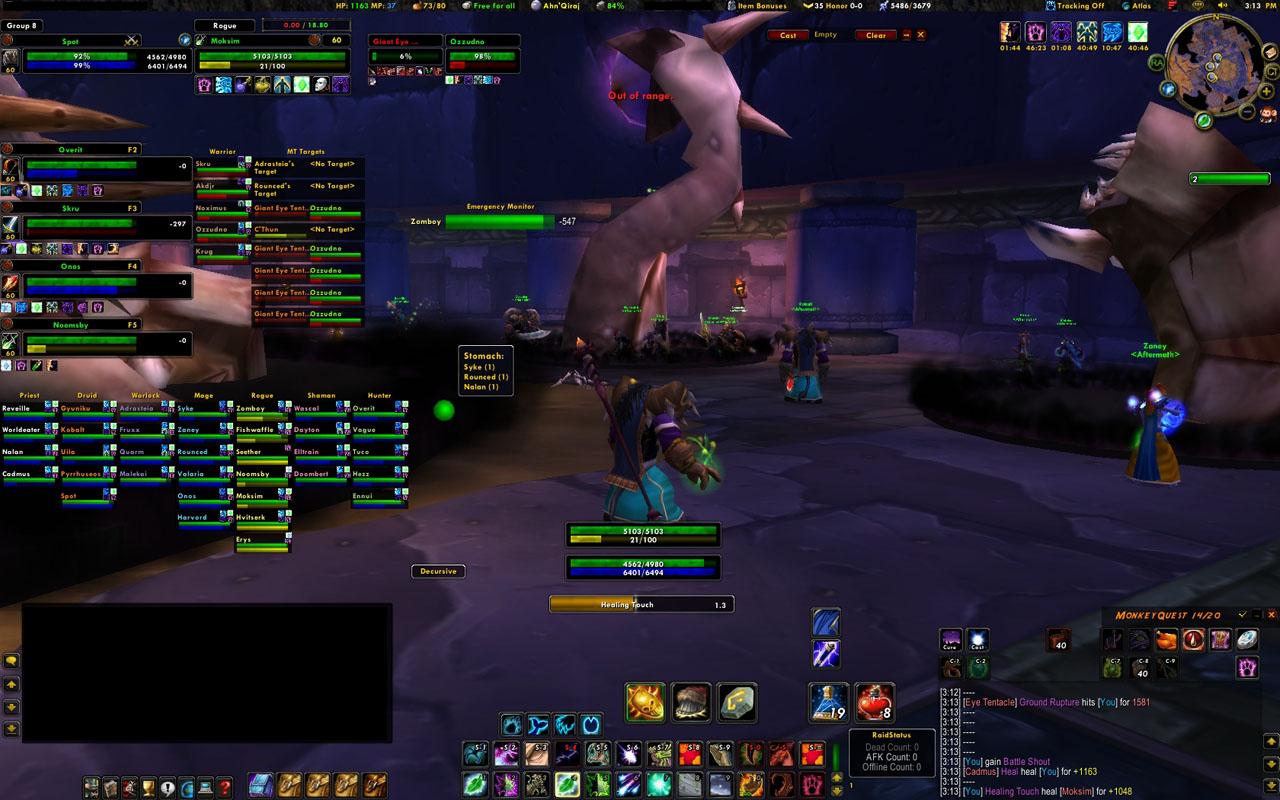
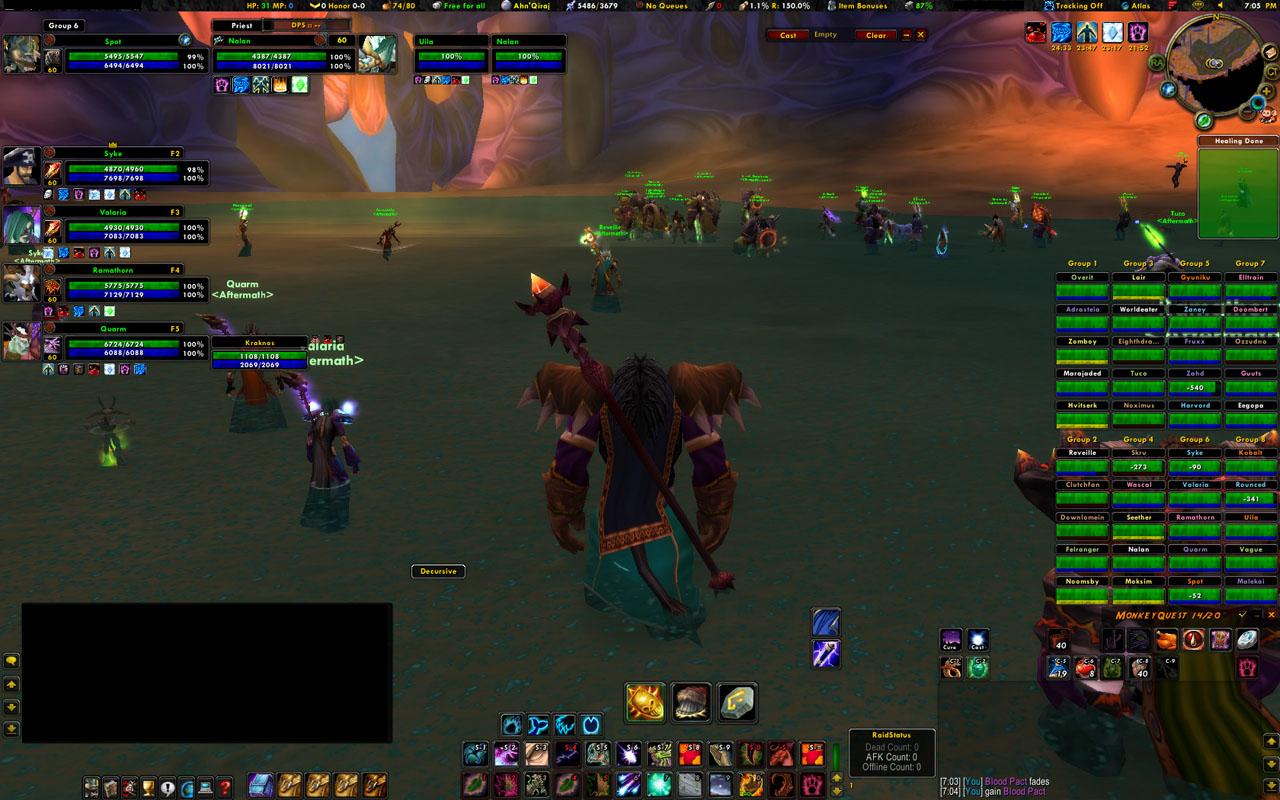
Compact Percents, 3D Portraits, ToT Buffs, Perl_Raid Frames
Perl Classic Unit Frames
If you like this mod, please vote for it!
What is Perl Classic?
Perl Classic Unit Frames are a complete rewrite of the original mods by Perl. They replace the default Player, Pet, Target, Target of Target, Party, and Party Pet frames and add dedicated frames for many other units (Focus, Focus Target, Party Target, Target of Target of Target). It has been a high priority to maintain the look and feel or the original Perl mods while expanding functionality. The mod has been recoded for performance and is built around the Blizzard UI usage of events.
Slash Commands
--------------
/perl
Known Issues
------------
None!
Todo
------
Optimize code
Q&A
-----
Q: I'm seeing double party buffs for some reason, what gives?
A: 99% of the time this is caused by CT_PartyBuffs. Simply remove the mod and you will return to having one set of party buffs.
Q: I am having massive dead spots for clicking on some of the unit frames, what's wrong?
A: This can be caused by a number of mods, but the most common seems to be CT_MovableParty. Please remove this mod as Perl can be moved without the use of this mod.
Q: The default party frames are showing up with red lightning bolts. What's going on?
A: As of version 1.503 of CT_RaidAssist this should no longer be caused by CTRA. The settings for this are now located in the WoW settings under Interface Options -> Basic -> Raid -> Hide Party Interface.
Q: Do you support ArcaneBar?
A: Yes, it is included in your download of Perl Classic.
Q: Will you be adding any features to Perl_PlayerBuff?
A: No, my coding for this mod goes as far as making sure it 'works.' If anyone would like to expand upon it, feel free to do so.
Q: Where are the raid frames?
A: As of 2.0 I no longer code raid frames for Perl Classic. Luckily, X-Perl's raid frames work great alongside Perl Classic. X-Perl's raid frames (and the unit frames themselves) can be found here: http://www.curse.com/downloads/details/3416/
Q: The scaling is all messed up! What do i do?
A: I recommend setting the scale to that of the UI if you are having issues. Open the options menu via "/perl" or the Black Pearl icon on the minimap and set the scale accordingly under the "All" tab.
Q: I am having an issue not listed in this FAQ, what can I do?
A: First, update *every* mod. I do not support ancient outdated and unmaintained mods. If you have double checked that everything is up to date, post on any of the Perl Classic mod pages and I'll be glad to help you narrow down the issue or give suggestions to help find a solution.
Q: Can you add this feature?
A: I'm sure it's possible, but the primary purpose of this mod is to 'modernize' the original Perl mod so that it doesn't slow your game down.
Dependency Notes
----------------
Mods that Perl Classic will take advantage of:
Clique - http://www.wowinterface.com/downloads/fileinfo.php?id=5108
Druid Bar - http://wow.curse.com/downloads/details/129/
myAddOns - http://wow.curse.com/downloads/details/207/
Mods that take advantage of Perl Classic:
BeneCaster - http://wowui.incgamers.com/?p=mod&m=3606
Change Log - Perl Classic Unit Frames
3.08 - August 7, 2009
- All: Updated TOC Interface version to 30200
- Focus/Target: Changed function GetDifficultyColor to GetQuestDifficultyColor
Sorry for the late update. I don't play WoW anymore and the friends that normally talked to me on a daily basis about WoW stuff have also quit. So 3.2 came and went and I never heard about it. There was a working beta version that I posted about a month ago on Curse if anyone saw it (I don't really expect anyone to since that site really does suck to navigate). In any case, the latest version has been posted.
I applied the fix to the latest version and uploaded it to my webspace for those of you who don't exactly know how to edit .lua Works for me so far... have fun.
Message: Interface\AddOns\Perl_Target\Perl_Target.lua:903: attempt to call global 'GetDifficultyColor' (a nil value)
Time: 08/04/09 18:12:07
Count: 1
Stack: [string "Interface\FrameXML\BasicControls.xml:<Scrip..."]:18: in function <[string "Interface\FrameXML\BasicControls.xml:<Scrip..."]:4>
(tail call): ?
[C]: in function `GetDifficultyColor'
Interface\AddOns\Perl_Target\Perl_Target.lua:903: in function `Perl_Target_Frame_Set_Level'
Interface\AddOns\Perl_Target\Perl_Target.lua:371: in function `Perl_Target_Update_Once'
Interface\AddOns\Perl_Target\Perl_Target.lua:147: in function `func'
Interface\AddOns\Perl_Target\Perl_Target.lua:137: in function <Interface\AddOns\Perl_Target\Perl_Target.lua:134>
[C]: in function `TurnOrActionStop'
[string "TURNORACTION"]:4: in function <[string "TURNORACTION"]:1>
and
Message: Interface\AddOns\Perl_Target\Perl_Target.lua:903: attempt to call global 'GetDifficultyColor' (a nil value)
Time: 08/04/09 18:14:37
Count: 3
Stack: [string "Interface\FrameXML\BasicControls.xml:<Scrip..."]:18: in function <[string "Interface\FrameXML\BasicControls.xml:<Scrip..."]:4>
(tail call): ?
[C]: in function `GetDifficultyColor'
Interface\AddOns\Perl_Target\Perl_Target.lua:903: in function `Perl_Target_Frame_Set_Level'
Interface\AddOns\Perl_Target\Perl_Target.lua:371: in function `Perl_Target_Update_Once'
Interface\AddOns\Perl_Target\Perl_Target.lua:147: in function `func'
Interface\AddOns\Perl_Target\Perl_Target.lua:137: in function <Interface\AddOns\Perl_Target\Perl_Target.lua:134>
[C]: in function `TargetUnit'
Interface\FrameXML\SecureTemplates.lua:379: in function `handler'
Interface\FrameXML\SecureTemplates.lua:487: in function `SecureActionButton_OnClick'
Interface\FrameXML\SecureTemplates.lua:528: in function <Interface\FrameXML\SecureTemplates.lua:520>
Originally posted by DerSquirrel I'm having a different kind of Focus problem. I can't set a Focus target at all because I get a window that says Perl_Target is interfering with it.
You have just downloaded by the author . If you like this AddOn why not consider supporting the author? This author has set up a donation account. Donations ensure that authors can continue to develop useful tools for everyone.
*Clicking the donate button above will take you to PayPal.com
*Clicking the donate button above will take you to Pledgie.com


