This addon is not supportet any longer!
I updated the layouts, they know include BC-Spells!
Installation: Just put the files into your World of Warcraft\Interface\AddOns\Mazzifier\ folder.
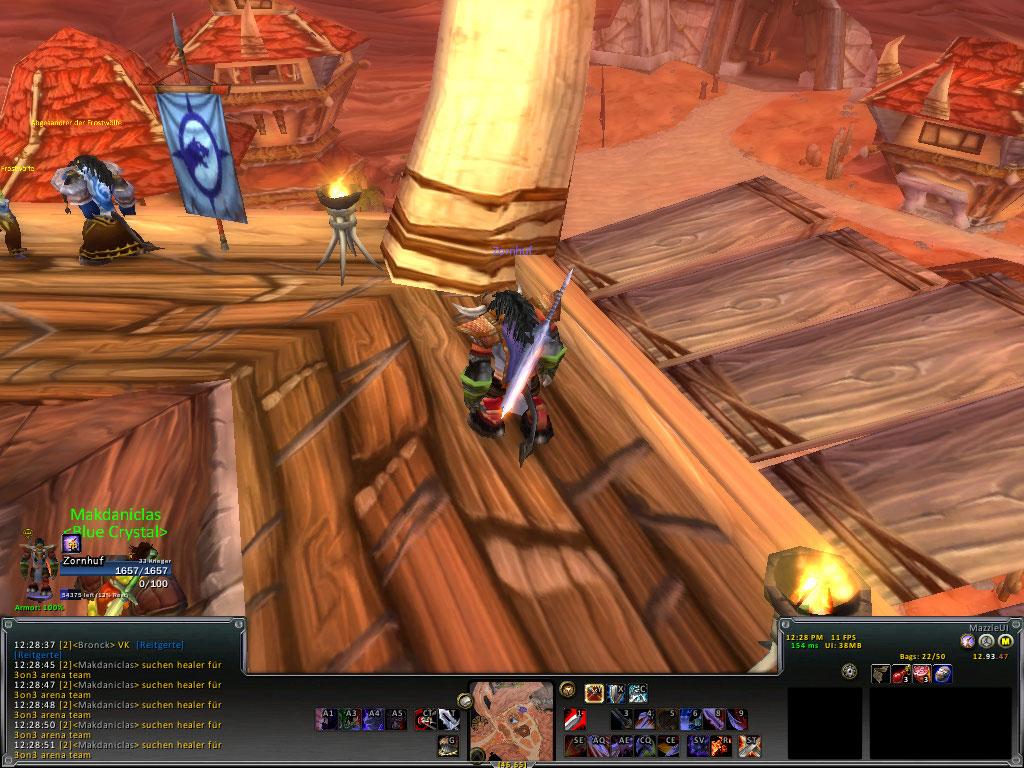
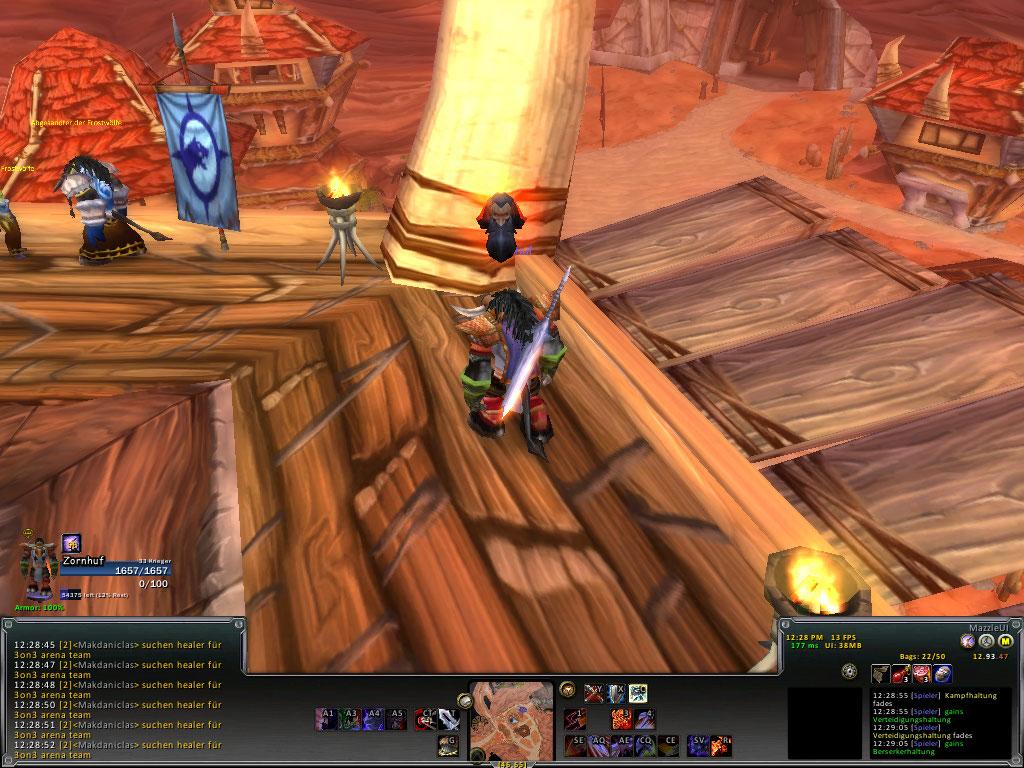
The screenshots aren't complete, but you get the idea. If somebody could make screenshots with a high level charakter, it would be great if you could sent me an PM, and replace my.
And PLEASE post any bugs or problems here, otherwise I can't help you ^^
Versions:
1.4.2: Included the Buttons.lua file again
1.4.1: Fixed Paladin layout (spezial thanks to Drewbacca)
1.4.0: Paladin
1.3.0: Shaman and Warlock
1.2.0: Fixed some bugs and correctet the Hunter layout
1.1: Hunter
1.0: Rogue and Warrior
Warrior:
Battle Stance:
1.: Charge
2.: Victory Rush
3.: Overpower
4.: Hamstring
5.: Shield Bash
6.: Thunder Clap
7.: Spell Reflect
8.: Mocking Blow
9.: Rend
Defensive Stance:
1.: Intervene
2.: Taunt
3.: Revenge
4.: Shield Block
5.: Shield Bash
6.: Thunder Clap
7.: Spell Reflect
8.: Disarm
9.: Rend
Berserker Stance:
1.: Intercept
2.: Victory Rush
3.: Berserker Rage
4.: Hamstring
5.: Pummel
6.: Whirlwind
SQ: Mortal Strike/Bloodthirst/Devastate
SE: Execute
AQ: Heroic Strike
AE: Sunder Armor
CQ: Cleave
CE: Sweeping Strikes/Rampage/Shield Slam
V: Concussion Blow/Deathwish
R: Bloodrage
SV: Slam
AV: Last Stand
T: Attack
CT: Shot
ST: Retaliation/Shield Wall/Recklessness
A1: Battle Shout
A2: Commanding Shout
A3: Demoralizing Shout
A4: Intimidating Shout
A5: Challenging Shout
A6: Piercing Howl
G: Race Ability
Rogue:
Normal:
1: Sinister Strike
2: Mutilate/Backstab
3: Gouge
4: Riposte
5: Ghostly Strike
6: Hemorrhage
Stealth:
1: Garrote
2: Ambush
3: Cheap Shot
4: Sap
A1: Eviscerate
A2: Envenom
A3: Kidney Shot
A4: Expose Armor
A5: Slice and Dice
A6: Rupture
R: Adrenaline Rush/Premeditation
SC: Cold Blood/Shadowstep
SV: Preparation/Blade Flurry
Z: Sprint
X: Blind
C: Cloak of Shadows
V: Evasion
S1: Deadly Throw
S2: Throw
F1: Kick
F2: Feint
F3: Shiv
F4: Vanish
F5: Distract
F6: Pick Pocket
F7: Disarm Trap
AV: Race Ability
Hunter:
F: Switch Rangedbar<->Meleebar
Ranged
1 - Steady Shot
2 - Arcane Shot
3 - Concussive Shot
4 - Multi Shot
5 - Silence Shot / Readiness / Bestial Wrath
AD - Distracting Shot
T - Aimed Shot
CT - Auto Shot
Melee
1 - Mongoose Bite
2 - Counterattack
3 - Wing Clip
4 - Disengage
5 - Deterrence
T - Raptor Strike
CT - Attack
H - Hunter's Mark
CH - Rapid Fire
S1 - Aspect of the Hawk
S2 - Aspect of the Viper
S3 - Aspect of the Monkey
S4 - Aspect of the Cheetah
S5 - Aspect of the Pack
S6 - Aspect of the Beast
S7 - Aspect of the Wild
Z - Serpent Sting
X - Scorpid Sting
C - Viper Sting
V - Scatter Shot / Wyvern Sting / Intimidation
R - Kill Command
G - Volley
SG - Flare
AT - Tranquilizing Shot
AG - Scare Beast
AV - <Racial Ability>
F6 - Feign Death
AX - Eyes of the Beast
CX - Mend Pet
AE - Eagle Eye
SD - Misdirection
AA - Trueshot Aura
F1 - Explosive Trap
F2 - Immolation Trap
F3 - Frost Trap
F4 - Freezing Trap
F5 - Snake Trap
Warlock
Page 1
1: Shadowbold
Page 2
1: Incinerate
For the most popular Dmg-Spell, just chose the page with the one you like best (Affliction-WLs chose page 1, destruction page 2)
2: Searing Pain
3: Immolate
4: Corruption
5: Seed of Corruption
6: Conflagrate/Siphon Life
7: Unstable Affliction/Shadowburn (Until I find a better place for Shadowburn)
8: Soulfire
A1: Curse of Shadow
A2: Curse of the Elements
A3: Curse of Recklessness
A4: Curse of Agony
A5: Curse of Doom
A6: Curse of Tongues
A7: Curse of Weakness
A8: Curse of Exhaustion
F1: Drain Soul
F2: Drain Life
F3: Drain Mana
F4: Soulshatter
G: Hellfire
V: Rain of Fire
C: Shadowfury
C1: Demonic Skin/Armor
C2: Fel Armor
C3: Shadow Ward
C4: Unending Breath
C5: Detect Invisibility
C6: Amplify Curse/Demonic Sacrifice (This isn't perfect too, any suggestions for a better binding?)
C7: Soul Link
X: Fear
SX: Howl of Terror
Z: Death Coil
AB: Banish
SB: Enslave Demon
Y: Health Funnel
T: Life Tap
ST: Dark Pact
AV: Race ability
Shaman
Expect of Grounding Totem I didn't bind any totems to hotkeys, because I always put different totems on different hotkeys depending on the situation. I thougt of a 2page hotbar with the keys CG, SG and F1-F4, but since paging doesn't work really good I didn't includ this yet. Every totem is included in the layout, they are just unbound. To bind them, go to FuBar->Mazzle (at the right)->Set action-button-binding or something like this.
1: Lightning Bolt
2: Chain Lightning
3: Earth Shock
4: Flame Shock
5: Frost Shock
6: Purge
A1: Healing Wave
A2: Lesser Healing Wave
A3: Chain Heal
A4: Cure Poison
A5: Cure Disease
A6: Earth Shield
Z: Race ability
X: Ghost Wolf
C: Bloodlust/Heroism
R: Totemic Call
V: Elemental Mastery/Shamanistic Rage/Nature's Swiftness (You can skill EM and NS, I think of a solution.)
G: Grounding Totem (Solo, PvE, PvP... That's one of the most important Totems in any situation and should have a single hotkey)
T: Stormstrike
CT: Attack
Paladin
1: Flash of Light
2: Holy Light
3: Cleanse/Purify
4: Divine Favor/Holy Shield/Crusader Strike
5: Divine Illumination
6: Lay on Hands
A1: Hammer of Justice
A2: Hammer of Wrath
A3: Concentration
A4: Holy Shock/Avengers Shield/Repentance
A5: Exorcism
A6: Holy Wrath
S1: Seal of Command/Righteousness
S2: Seal of Blood/Vengeance
S3: Seal of the Crusader
S4: Seal of Justice
S5: Seal of Wisdom
S6: Seal of Light
Z: Avenging Wrath
X: Divine Shield/Divine Protection
C: Righteous Fury
V: Righteous Defense
T: Attack
G: Judgement
AV: Race ability
R: Redemption
CR: Divine Intervention
C1-9: Blessings





 06-23-08, 02:36 PM






